Register Now
A N D R O I D   A P K

Download the S9 Latest APK

One file, roughly 48 MB, and about three minutes of your time. The S9 new app is distributed as a direct APK rather than through the Play Store — which is normal for real-money gaming apps in this region — so there are two extra Android prompts to approve. Everything below explains exactly what to expect.

ApplicationS9 Game (S9 App)
Latest version4.2.1
File size≈ 48 MB
RequiresAndroid 6.0 or newer
LanguagesEnglish & اردو
CostFree to download
Welcome package₹10,000
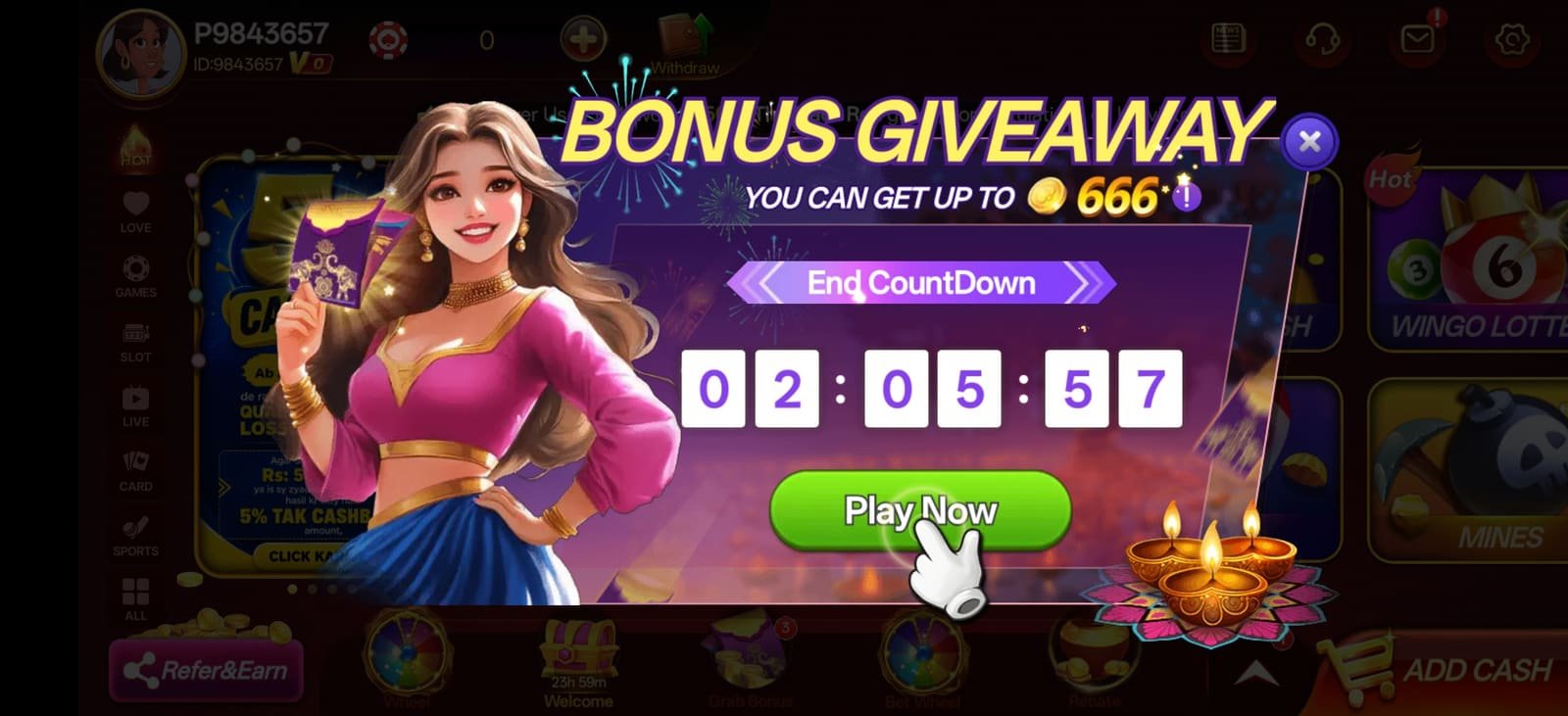
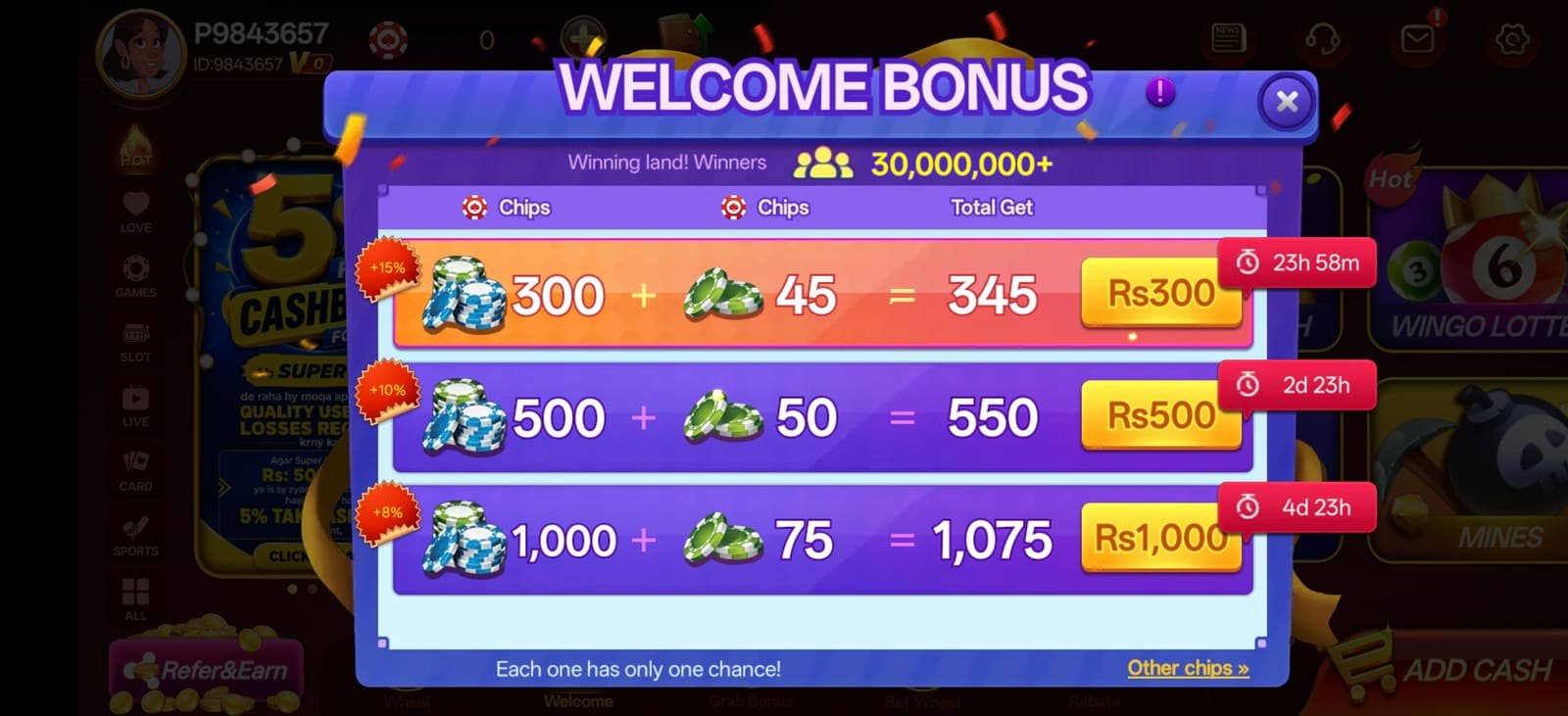
S9 app installed on Android showing the ₹10,000 welcome bonus tiers
APK 48 MB Version 4.2.1

Downloading on a second phone?

A scannable download QR will sit here once the client supplies the artwork. Until then, the quickest route on a second handset is to open s9app.pk/download.html directly in that phone's browser, or to ask our Telegram support desk to send you the current link. Never install an S9 APK forwarded to you as a file by an unknown contact.

I N S T A L L   G U I D E

Installing the S9 app, step by step

Written for someone who has never sideloaded an Android app before. If you have done this once already, steps 3 and 4 will be skipped automatically — Android remembers the permission.

Check your phone has room

You need around 250 MB free once installed — the APK itself is 48 MB, and the app caches slot assets as you play. Open Settings → Storage and clear space if you are close to full. A stable Wi-Fi or 4G connection makes the download quicker, though the file is small enough that mobile data is fine.

Android 6.0 is the floor. Android 9 or newer is recommended.

Tap the download button

Use the download button on this page rather than a third-party mirror. Your browser may show a short "this type of file can harm your device" warning — that is Android's standard notice for every APK ever downloaded, not a judgement about this specific file. Choose Download anyway to continue.

Chrome shows the progress in the notification shade. Do not close the tab until it finishes.

Allow installs from your browser

When you open the file, Android will say your browser is not allowed to install unknown apps. Tap Settings on that prompt, switch on Allow from this source, then press back. You only do this once — the permission is per-app and it stays on for future updates.

On older phones this lives under Settings → Security → Unknown sources.

Install and open

Tap Install. The process takes 20–40 seconds on most handsets. Some Xiaomi, Vivo and Oppo devices run an extra security scan first and show a "send for review" dialog — choose the option to install anyway. When it finishes, tap Open.

If installation fails, see the troubleshooting section below.

Register and lock the account down

Tap register, enter a mobile number and choose a password. Then — before anything else — open the avatar in the top-left, find Account Records, and do two things: bind your phone number, and set a withdrawal password that is different from your login password. This is the single most valuable two minutes you will spend in the app.

Phone binding is how you recover the account if you change handsets.

Claim the welcome package

Open the Welcome panel from the bottom bar. The first tier of the ₹10,000 package unlocks on registration alone. While you are there, check the rewards hub for daily rewards, quests and the lucky wheel — several of them have something available on day one.

Each bonus tier displays its own countdown, so you can see what is still open.

D E V I C E   R E Q U I R E M E N T S

Will the S9 app run on your phone?

The S9 new APK is deliberately light, so the honest answer for most Pakistani handsets sold in the last six years is yes. Here is the detail.

Minimum and recommended device requirements for the S9 app
Requirement Minimum Recommended Notes
Operating system Android 6.0 (Marshmallow) Android 9.0 or newer No official iOS build exists. Treat any "S9 iPhone app" as untrustworthy.
RAM 1 GB 2 GB or more Below 2 GB, close background apps before opening feature-heavy slots.
Free storage 150 MB 250 MB or more The app caches slot assets, so headroom keeps load times short.
Screen 4.7 inches 5.5 inches or larger The interface is landscape-first; larger screens make paytables far easier to read.
Connection 3G 4G / LTE or Wi-Fi Reels stream on demand. 3G works but first-load times are noticeably longer.
Permissions Storage, network Storage, network Deny anything else. The app has no legitimate need for contacts or SMS access.
Root / jailbreak Not required Not recommended Rooted devices can trigger additional security checks inside the app.
R E L E A S E   N O T E S

S9 latest APK — recent versions

Updates arrive in-app: when a new build ships, the S9 app prompts you on launch and patches itself. You only need to return here if you change phones or clear the app's storage entirely.

Version 4.2.1 Current Latest stable release
  • New slot titles added to the Fortune & Prosperity and Hold & Win categories
  • Faster lobby load on entry-level devices — first paint reduced on 1 GB RAM handsets
  • Withdrawal panel now shows request status inline instead of requiring a records lookup
  • Fixed a rendering issue affecting seasonal event screens on some MIUI builds
Version 4.1.6 Previous stable
  • Urdu language coverage extended across the promotions and rewards panels
  • Referral dashboard redesigned with level thresholds shown on a single row
  • Reduced APK size by roughly 6 MB through asset compression
Version 4.0.9 Legacy
  • Introduced the bet-rebate vault and daily cashback automation
  • Account Records panel consolidated login, withdrawal password and phone binding
  • Stability fixes for landscape orientation on tablets
Version numbers are indicative Release numbering and contents are controlled by the operator and can change without notice. If the version inside your app differs from what is listed here, the app is correct — this page reflects the build we last verified. Update announcements are posted first on the S9 news channel.
T R O U B L E S H O O T I N G

When the install does not go smoothly

Nine problems account for almost every failed S9 app install we see. Here is what causes each one and how to clear it.

Almost always one of three causes:

  • An older S9 build is still present. Uninstall it first, then install the new APK. Signature mismatches between builds block the upgrade.
  • Storage is genuinely full. Android reports this vaguely. Free 300 MB and retry.
  • The download was interrupted. A partial APK fails silently. Delete the file and download again on a stable connection.

Google Play Protect flags any APK that was not distributed through the Play Store, regardless of what it contains. Tap Install anyway on the dialog. If the option is hidden, open the Play Store → profile icon → Play Protect → settings gear, and temporarily switch off "Scan apps with Play Protect", then install.

Switch it back on afterwards. It is a useful protection for everything else you install.

MIUI runs its own scan on sideloaded apps. On the dialog, look for the small text option to continue installing without review. If it loops, go to Settings → Privacy protection → Special permissions → Install unknown apps, and grant permission to your browser explicitly.

Some MIUI regions also require turning off "MIUI optimization" in Developer options. That is a heavier change — ask our Telegram desk before doing it.

FunTouch OS and ColorOS both bundle an "install external app" toggle that is off by default. On Vivo: Settings → More settings → Permission management → Install unknown apps. On Oppo: Settings → Security → Install external apps. Enable it for your browser, then retry.

Usually a network filter rather than a fault on your phone. Try switching from Wi-Fi to mobile data (or the reverse), clear your browser cache, and make sure any VPN or ad-blocking DNS is temporarily disabled. If it still fails, message the Telegram support desk and they will provide an alternative link.

First, restart the phone — this clears the majority of first-launch crashes. If it persists, go to Settings → Apps → S9 → Storage and tap Clear cache (not Clear data if you have already registered). On very low-RAM devices, closing background apps before launching makes a measurable difference.

Slot assets stream on demand, so this is nearly always connection quality rather than the app. Move to a stronger signal, switch off other devices saturating the same Wi-Fi, and avoid playing while a large download runs in the background. Clearing the app cache also helps once it has grown large.

Use the reset option on the login screen if your phone number is bound to the account. If it is not bound, password recovery has to go through the operator's own support — contact them through the in-app customer service icon or the Telegram desk.

s9app.pk cannot access, view or reset any player account. We are an affiliate website, not the operator.

You normally do not have to do anything. The app checks for updates on launch and patches itself in place, keeping you logged in. A full re-download from this page is only needed if you switch phones, uninstall the app, or clear its storage completely.

S T A Y   S A F E

Downloading an APK without getting burned

Sideloading is safe when you control where the file comes from. Four habits remove almost all of the risk.

Only use links you navigated to yourself

Type the address or use a bookmark. An APK that arrives as a forwarded file in a group chat, or from a link in an unsolicited message, is the single most common source of compromised gaming accounts. If in doubt, ask the Telegram support desk to confirm the current official link.

Use a unique password

Never reuse the password from your email, bank or social accounts. If any of those services leaks, credential-stuffing bots will try the same combination everywhere. A distinct password for gaming, plus a separate withdrawal password inside the app, contains the damage.

Refuse unnecessary permissions

The S9 app needs storage and network access. It does not need your contacts, SMS, call log, camera or microphone. If a build you have downloaded asks for those, it is not the official app — uninstall it immediately and download again from here.

Ignore "mod", "hack" and "unlimited" builds

There is no modified S9 APK that gives free chips, predicts spins or unlocks anything. Those files exist to harvest credentials and install malware. Installing one will also get the associated account permanently closed by the operator.

Affiliate disclosure s9app.pk is an independent affiliate website and is not the operator. The download and registration buttons on this page are affiliate links, and we may receive a commission when a player registers through them. This never changes the offer you receive, and we do not handle your download, account, deposits or withdrawals at any point.